Post-Production Phase 1: Project Ingestion and Organization
High School Camp 2026 – A deep dive into the rigorous folder structures and proxy generation I use before I make a single cut on our camp testimonies.
7 min read
Workflow Update

New: Foundation
Before I make any creative decisions, the most critical step I take in handling a multi-cam, multi-subject project is strict file organization. When I’m managing hundreds of gigabytes of 4K or 6K footage from a high school camp shoot, I know that an unorganized drive will instantly bottleneck my entire editing process.
For this testimony series, I’ve established a standardized directory structure. Everything lives within a master project folder I’ve broken down sequentially. By separating my DaVinci Resolve project files (
01 Resolve), Adobe After Effects dynamic links (03 AE), and raw media into highly specific subfolders (08 Testimony Shoots), I eliminate the risk of offline media when I reach the final render phase.
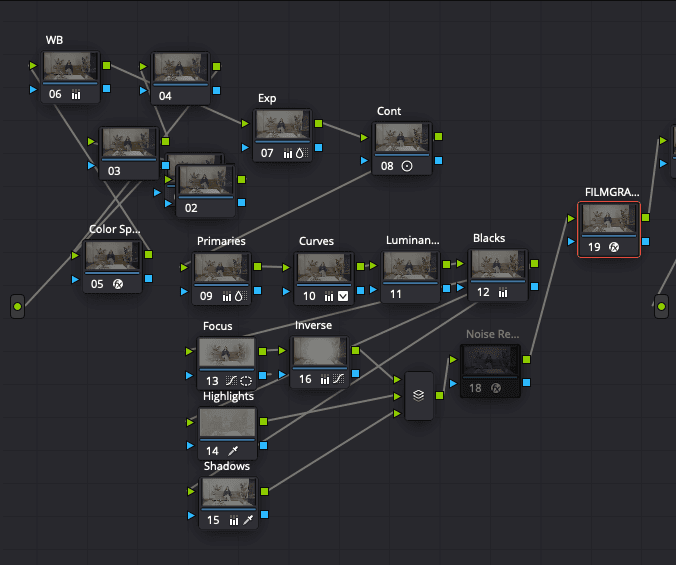
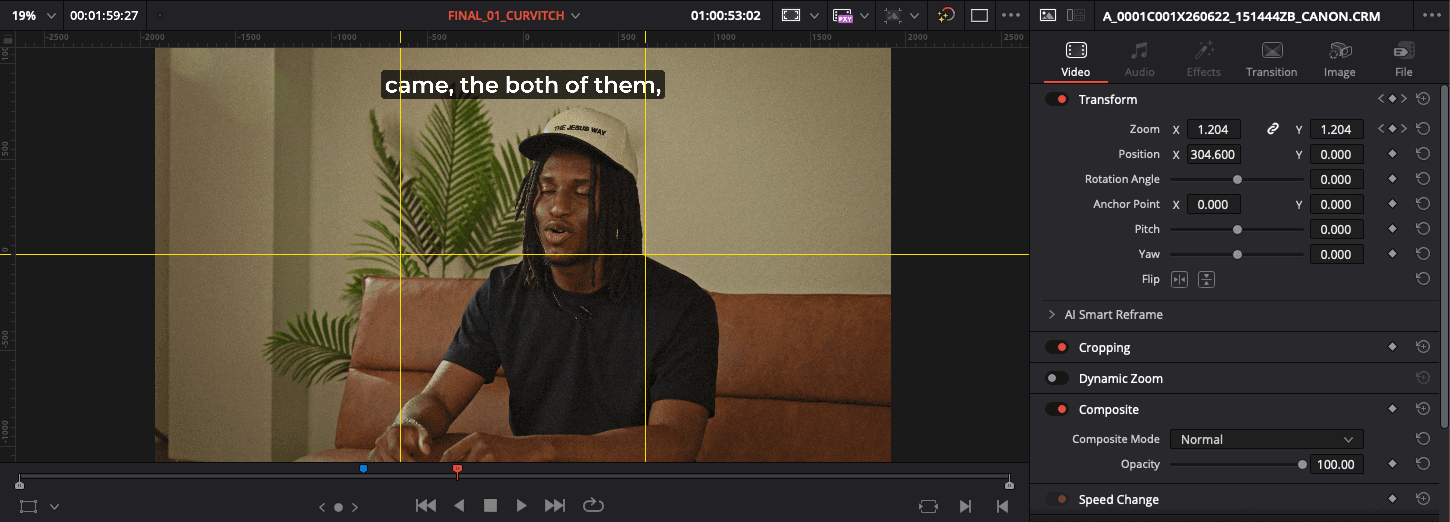
New: Proxies
Working with high-bitrate codecs natively can tax even my Mac Studio. To keep my timeline smooth during the assembly phase, I immediately generate proxies for all A-Cam and B-Cam footage. Recently, I relocated my proxy media storage from a 1TB SSD to an 8TB HDD. This allows me to keep my high-speed drives dedicated strictly to cache files and current project saves, while the heavier, space-consuming proxy files live safely on larger capacity drives without me sacrificing timeline performance.
New: Syncing
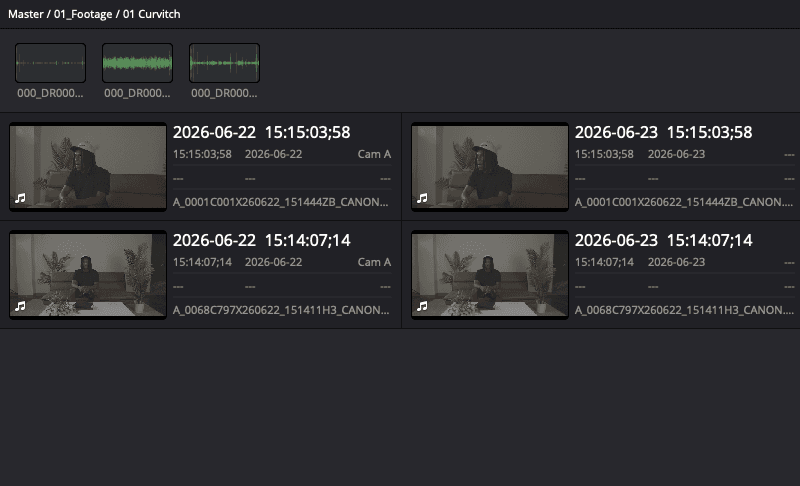
Once I’ve ingested the files, the first technical check I perform is the audio sync. I match the scratch audio from my camera systems to the high-quality WAV files I captured with dedicated mics. Using timecode or waveform syncing in DaVinci Resolve, I lock these tracks together. At this stage, I also apply metadata tags to all 17 clips per interview, labeling them by subject name and camera angle, ensuring that when I move into the actual edit, every asset is exactly where I expect it to be.