Motion Graphics and Typography
High School Camp 2026 – Stepping into Adobe After Effects to build clean, tracked title idents that elevate the production value of my series.
7 min read
Workflow Update
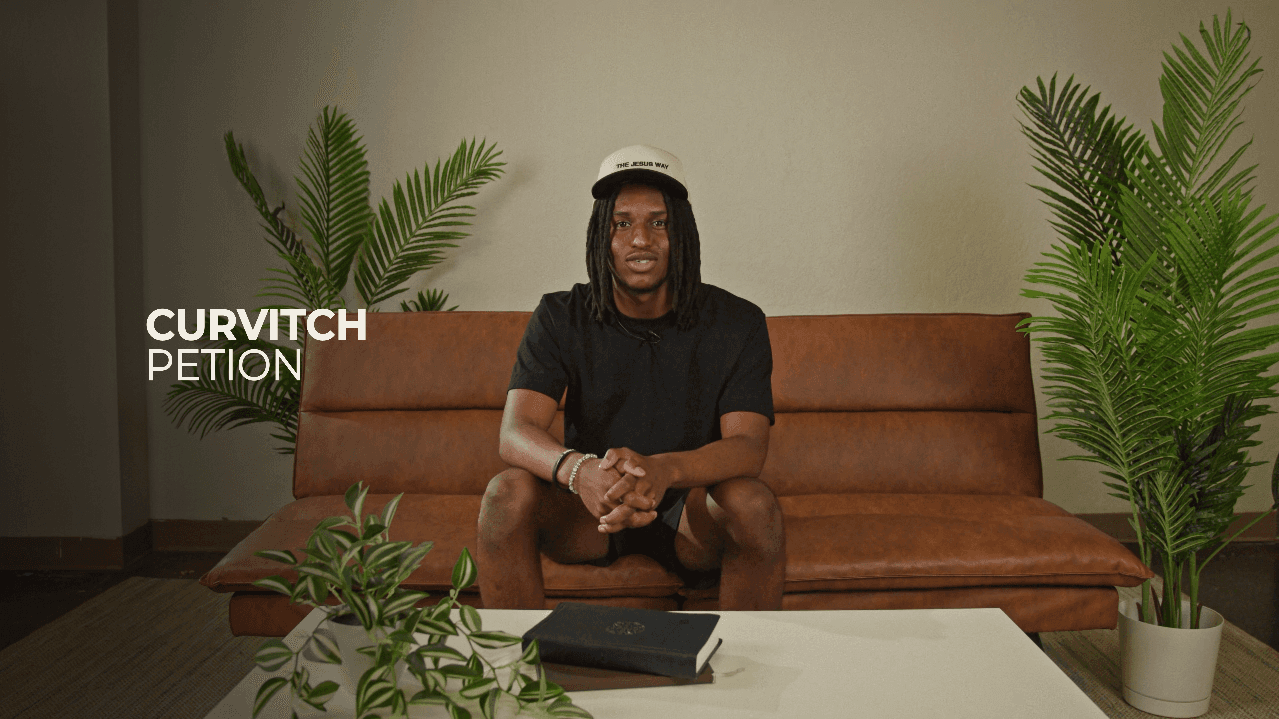
New: Identity
A powerful testimony video requires more than just good cuts; it needs a polished visual identity. For this project, I step out of DaVinci Resolve and into Adobe After Effects to handle my complex motion graphics. Instead of relying on basic text overlays, I build custom title idents that introduce the subject while blending naturally into the environment of the shot.
New: Typography
In After Effects, I utilize advanced text animators and range selectors to give my typography a smooth, professional entry. By animating the opacity, tracking, and position on a per-character or per-word basis (using techniques like an 'enter down' cascade), I make the text feel deliberate and organic. I keep my typography minimalist and editorial, relying on strong font choices to communicate quality without me distracting the viewer from the subject.
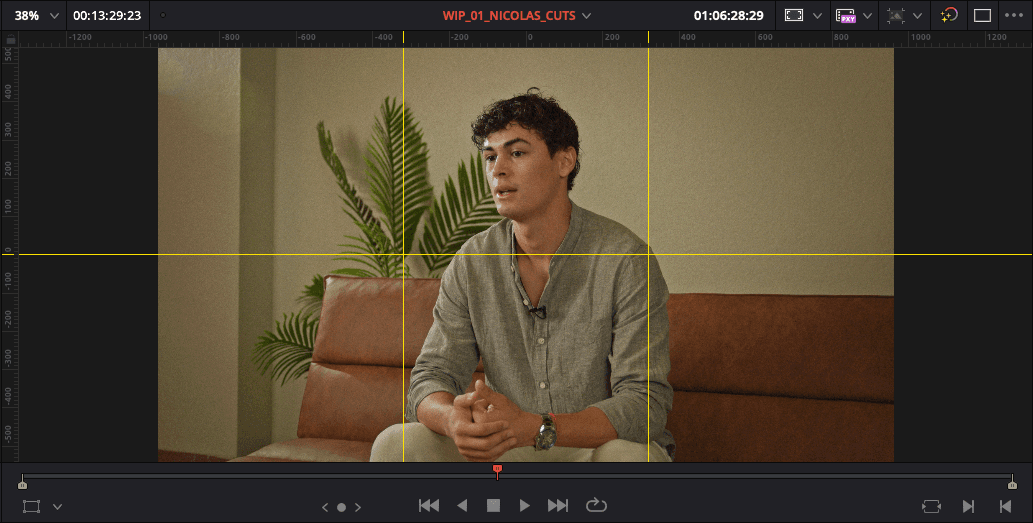
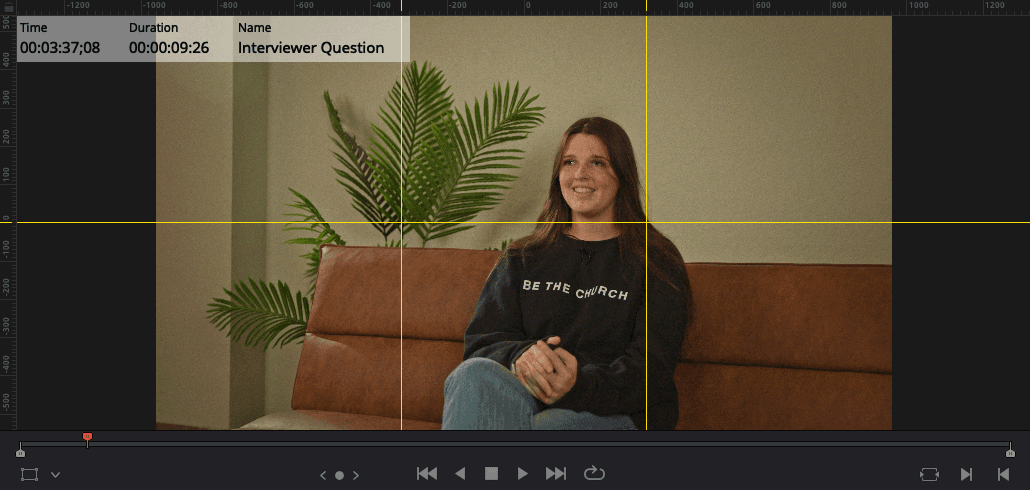
New: Tracking
To make the text feel like it belongs in the physical space of the interview room, I utilize AE's tracking capabilities. I track a point of contrast in the background—such as the edge of the leather couch or the plant in the corner—and parent my text layer to that tracking data. This subtle parallax effect, combined with a slight blur to match the camera's depth of field, ensures the graphics enhance the cinematic quality of my final video rather than feeling pasted on top.

